
There are two methods to access cPanel
and now will show you method #2 how to access cPanel using your domain name
Method #2: Access cPanel Directly
To log in to cPanel directly, follow these steps:
- In your web browser, type the cPanel address for your website. The address is either http://www.example.com:2082 or https://www.example.com:2083, where example.com is your domain name.
Alternatively, you can use one of the following addresses:
- http://cpanel.example.com or http://www.example.com/cpanel, where example.com represents your domain name.
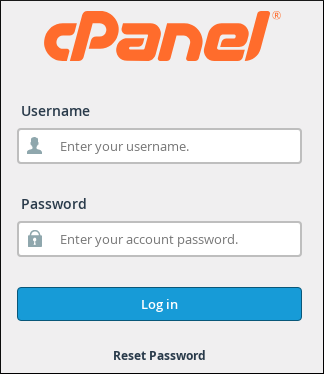
The cPanel login page appears:
-
In the Username text box, type your woiihosting account username.
If you do not know your cPanel username and password, you can view them in the woiihosting Customer Portal. - In the Password text box, type your woiihosting account password.
- Click . When you enter the correct username and password, the cPanel home screen appears.
Logging out of cPanel
You should log out whenever you have finished using cPanel, because this notifies the web server that you have finished your session. If you do not log out, the server automatically closes your session after a set period of time. However, there is a small possibility that an attacker could exploit the open connection before this automatic logout occurs.
To log out of cPanel, follow this step:
- In the top-right corner, click LOGOUT: